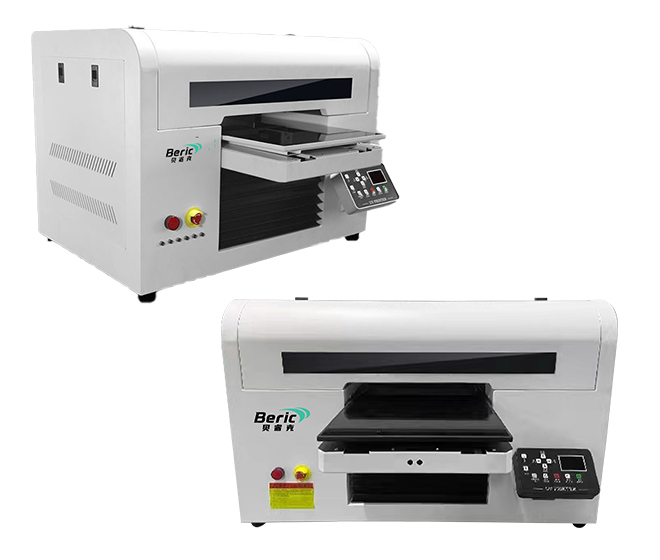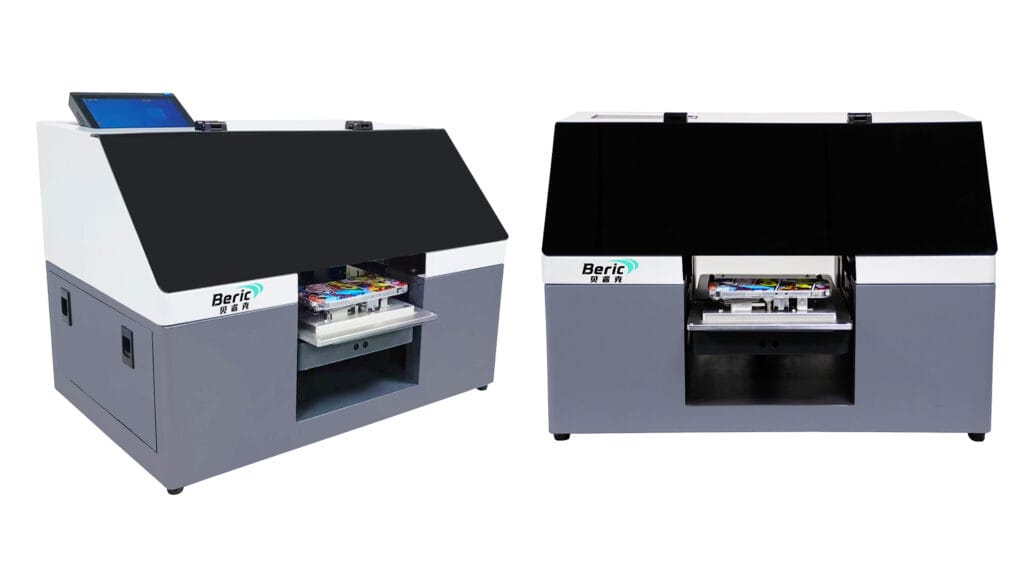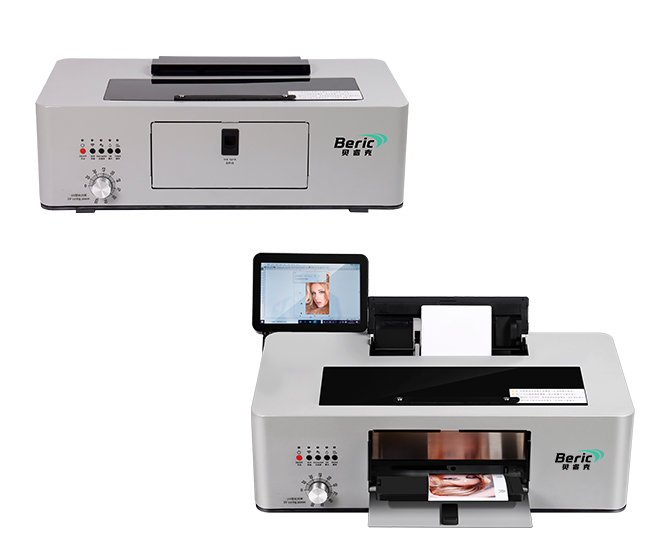

A UV flatbed printer is widely used for printing on acrylic, wood, glass, metal, leather, plastic, phone cases, promotional gifts, and industrial materials. As UV printing technology becomes more popular, many businesses are investing in UV flatbed printing machines to improve customization capabilities and production efficiency.
However, like any industrial equipment, UV printers may encounter technical problems during daily operation. Understanding the most common UV flatbed printer issues and how to solve them can help reduce downtime, improve print quality, and extend machine lifespan.
This guide covers the most common UV flatbed printer problems and practical solutions for beginners and experienced operators alike.
1. Poor Print Quality
One of the most common UV flatbed printer problems is poor print quality. This may include blurry images, banding, faded colors, or uneven ink coverage.
Possible Causes
- Printhead clogging
- Incorrect ICC color profile
- Low-quality UV ink
- Improper printhead height
- Dirty encoder strip
Solutions
- Perform automatic and manual printhead cleaning
- Use high-quality UV inks compatible with your printer
- Recalibrate the ICC profile for accurate color output
- Adjust printhead height based on material thickness
- Clean the encoder strip carefully with alcohol-free wipes
Regular maintenance is essential for maintaining sharp and vibrant UV prints.
2. UV Ink Not Curing Properly
If the UV ink remains sticky or scratches easily, the curing system may not be working correctly.
Possible Causes
- Weak UV LED lamp
- Incorrect curing settings
- Printing speed too fast
- Low-quality UV ink
Solutions
- Check UV LED lamp intensity
- Reduce printing speed
- Increase UV curing power
- Replace aging UV lamps if necessary
- Use premium UV-curable ink
Proper curing is critical for durable UV printing on glass, acrylic, metal, and other hard surfaces.
3. Printhead Clogging
Printhead blockage is a frequent issue in UV flatbed printing, especially when the machine sits unused for long periods.
Common Symptoms
- Missing lines
- Ink gaps
- Inconsistent colors
- Nozzle check failure
Solutions
- Perform nozzle cleaning regularly
- Keep the printer powered on to maintain ink circulation
- Use moisturizing caps when the printer is idle
- Maintain stable room temperature and humidity
- Print test patterns daily
A clean printhead significantly improves UV printer performance and print consistency.
4. Material Height Detection Errors
Modern UV flatbed printers use automatic height sensors to protect the printhead from collision.
Possible Causes
- Sensor contamination
- Incorrect material placement
- Warped substrates
Solutions
- Clean the height sensor
- Ensure materials are placed flat on the vacuum table
- Use fixtures for irregular products
- Avoid warped or bent materials
This issue commonly occurs when printing on wood panels, phone cases, or promotional items.
5. White Ink Problems
White ink is essential for printing on dark or transparent materials, but it often causes maintenance challenges.
Common White Ink Issues
- Sedimentation
- Ink separation
- Nozzle clogging
Solutions
- Shake white ink cartridges regularly
- Use continuous white ink circulation systems
- Print white ink daily
- Store ink properly
Reliable white ink performance is especially important for acrylic, glass, and UV DTF applications.
6. Ink Leakage
Ink leakage can damage printer components and waste expensive UV ink.
Possible Causes
- Damaged ink tubes
- Loose ink dampers
- Excessive ink pressure
Solutions
- Inspect ink tubes regularly
- Replace worn dampers
- Check the negative pressure system
- Avoid overfilling ink tanks
Preventive maintenance helps avoid costly repairs.
7. Printer Carriage Crashing
Carriage crashes can seriously damage the printhead.
Common Causes
- Material too high
- Incorrect height settings
- Loose objects on the printing table
Solutions
- Measure substrate thickness before printing
- Set proper printhead clearance
- Keep the vacuum table clean
- Use positioning jigs when printing small items
Always check material height before starting production.
8. Software Communication Failure
Sometimes the RIP software cannot communicate with the UV flatbed printer.
Possible Causes
- USB or network instability
- Driver issues
- Software conflicts
Solutions
- Restart both printer and computer
- Reinstall printer drivers
- Use stable Ethernet connections when possible
- Update RIP software
Stable communication ensures uninterrupted production.
9. Vacuum Table Not Working Properly
The vacuum table keeps materials fixed during printing.
Symptoms
- Material movement
- Print misalignment
- Double images
Solutions
- Check vacuum pump operation
- Clean vacuum holes
- Ensure proper sealing
- Use masking tape for small substrates if necessary
A strong vacuum system improves printing accuracy.
10. Static Electricity Issues
Static electricity can affect ink placement and print quality.
Common in These Materials
- Acrílico
- PVC
- Plastic sheets
Solutions
- Install anti-static devices
- Maintain humidity between 40%–60%
- Ground the printer properly
- Clean materials before printing
Controlling static is essential for high-resolution UV printing.
Daily Maintenance Tips for UV Flatbed Printers
Proper maintenance can prevent most UV printer problems.
Recommended Daily Maintenance
- Perform nozzle checks
- Clean printheads and capping stations
- Wipe the printing table
- Maintain proper temperature and humidity
- Use the printer regularly
Consistent maintenance helps extend the life of your UV flatbed printer and reduces repair costs.
Choosing a Reliable UV Flatbed Printer Supplier
A high-quality UV flatbed printer with good technical support can greatly reduce operational problems.
When choosing a supplier, consider:
- Printhead options
- White ink circulation system
- After-sales support
- Training services
- Spare parts availability
- Software compatibility
Reliable manufacturers also provide maintenance guidance and remote technical support.
Reflexiones finales
Understanding common UV flatbed printer problems and solutions can help businesses maintain stable production and achieve better printing results. Whether you are printing on acrylic, wood, glass, metal, leather, or promotional products, proper maintenance and correct operation are essential for long-term success.
As UV printing technology continues to evolve, investing in a reliable UV flatbed printer and following proper maintenance practices will help improve productivity, reduce downtime, and deliver professional-quality prints consistently.