A UV print may look perfect immediately after printing, only to peel, scratch off, or lift at the edges after handling. For businesses producing phone cases, acrylic signs, promotional products, and custom components, poor ink adhesion can lead to rejected batches and unnecessary rework.
The key is to identify why the ink is failing to bond with the surface rather than simply increasing ink output or changing the curing settings.
The Material Matters More Than You Might Expect
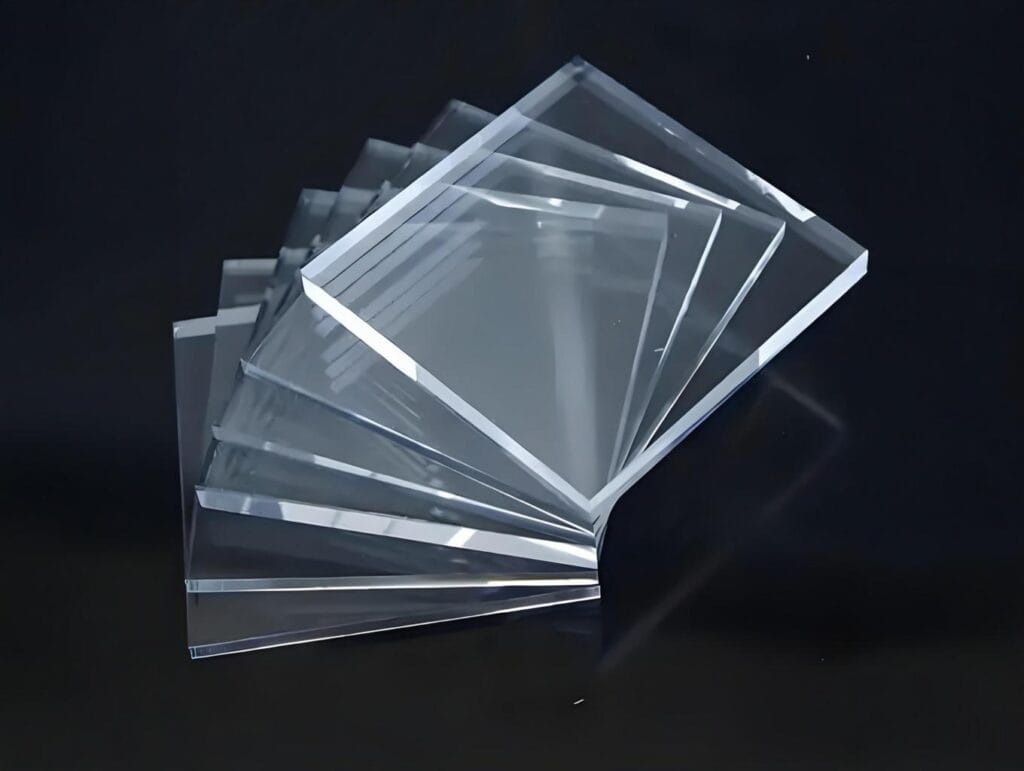
UV ink does not adhere equally well to every substrate. Acrylic, glass, coated metal, ABS, and TPU all have different surface properties. Even two materials that look similar may respond differently to the same ink.
Some plastics have low surface energy, making it difficult for ink to spread and form a reliable bond. Protective coatings, release agents, and residues left during manufacturing can create additional problems.
Before starting production, test the exact material that will be used for the final product. A result on one type of plastic does not guarantee the same performance on another.
Three Common Reasons for Poor Adhesion
1. Contamination on the surface
Fingerprints, oil, dust, and manufacturing residues can interfere with bonding. Use a cleaning method compatible with the substrate, and allow the surface to dry completely before printing.
2. Incompatible ink or surface treatment
Some materials require a compatible primer or pretreatment to improve adhesion. However, a primer should not be applied automatically to every substrate. Confirm compatibility with the ink and material supplier first.
3. Incorrect curing conditions
UV ink must receive an appropriate curing dose to achieve its intended properties. Insufficient curing can leave the printed layer vulnerable, while excessive exposure or unsuitable settings may also affect the result depending on the ink and substrate.
Follow the ink and printer manufacturer’s recommendations rather than relying on lamp power settings alone.
A Simple Test Before Full Production
A small sample test can reveal adhesion problems before they affect an entire order.
- Clean and prepare a sample using the intended production method.
- Print the actual design with the planned ink and curing settings.
- Allow the print to stabilize according to the ink manufacturer’s instructions.
- Inspect the edges and printed areas for lifting, cracking, or peeling.
- Use a suitable adhesion test method for the material and application.
For products that will be exposed to moisture, abrasion, chemicals, or frequent handling, test those conditions separately. A print that passes a basic adhesion check may not withstand every real-world environment.
When Should You Change the Printing Process?
If the ink peels from one material but performs well on others, investigate substrate compatibility and surface preparation first. If the problem occurs across several materials, review the ink, curing system, and printer settings.
For repeat production, record the substrate grade, surface treatment, ink type, and curing parameters. This makes it easier to reproduce successful results when an order is repeated.
Reliable UV printing starts with matching the ink and process to the material. A short compatibility test is usually less costly than discovering an adhesion problem after hundreds of products have been printed.