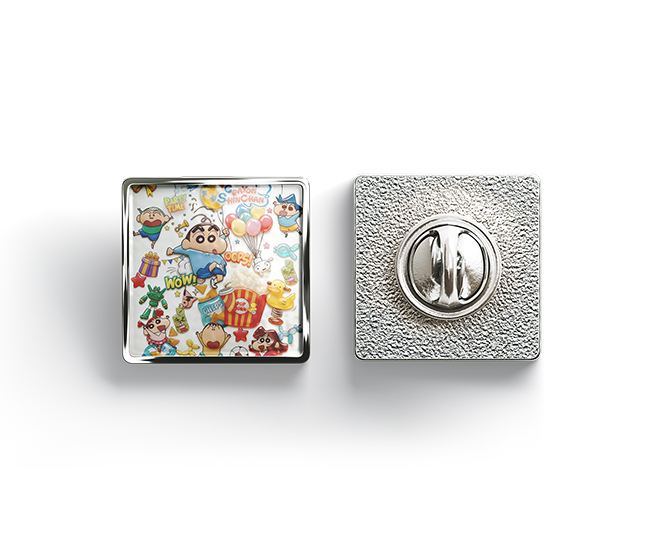
UV printing is widely used for acrylic, plastic, glass, metal, phone cases, wood, and other customized products. However, one common problem is that the printed ink starts to peel, scratch, or flake off after printing.
Poor ink adhesion is usually not caused by the UV printer alone. The surface material, ink compatibility, surface preparation, curing conditions, and printing settings can all affect the final adhesion.
The Surface Material May Not Be Suitable for UV Printing
Different materials have very different surface properties. Some plastics, for example, have a low surface energy that makes it difficult for UV ink to bond properly.
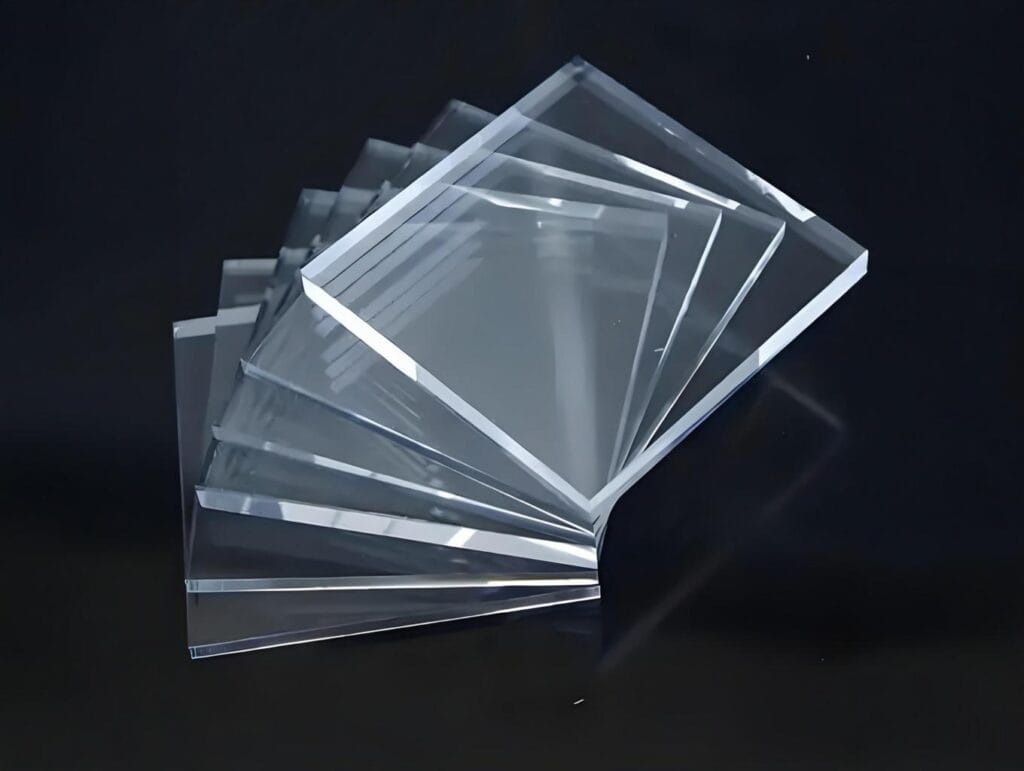
Polypropylene (PP), polyethylene (PE), some coated plastics, and certain smooth acrylic surfaces can require special treatment or a suitable primer before printing.
Even when two materials look similar, their surface treatment can be different. A phone case, acrylic sheet, or plastic panel may have a coating or protective layer that affects ink adhesion.
Before starting production, it is better to test the actual material rather than relying only on its appearance.
The Surface Is Dirty or Contaminated
Dust, oil, fingerprints, silicone, polishing compounds, and other contaminants can create a barrier between the ink and the substrate.
This is particularly common when printing on phone cases, metal parts, glass, and plastic products that have been handled several times before printing.
The surface should be clean and dry before printing. Depending on the material, an appropriate cleaning agent can be used to remove grease and other contaminants.
Avoid touching the printing area after cleaning.
The Ink Is Not Compatible with the Material
UV ink is not equally suitable for every substrate.
An ink that performs well on acrylic may not provide the same adhesion on PP, glass, coated metal, or certain plastics. Using the wrong ink can result in weak adhesion even when the printer is working normally.
For commercial production, the ink should be selected according to the materials being printed. If a new material is introduced, a small adhesion test should be carried out before moving to larger quantities.
UV Ink Is Not Fully Cured
UV ink needs sufficient UV energy to cure and form a stable printed layer.
If the UV lamp output is insufficient, the curing time is too short, or the printing speed is too high, the ink may remain under-cured. The print can initially look acceptable but later become easy to scratch or peel.
The condition of the UV curing system should also be checked. Aged lamps, incorrect lamp settings, or insufficient UV exposure can affect curing performance.
If adhesion problems appear across different materials, the curing system should be one of the first areas to inspect.
Printing Settings Can Affect Ink Adhesion
Printer settings also have an effect on the final result.
Ink volume, printing speed, pass mode, white ink settings, and curing parameters can all influence the printed layer. Excessive ink deposition may create a thicker layer that does not adhere well to certain surfaces.
White ink and varnish can also change the structure of the printed layer, especially when several layers are printed together.
If peeling occurs after changing the print mode or resolution, compare the new settings with the previous settings and run a small test print.
White Ink Can Create Additional Adhesion Problems
White ink is commonly used when printing on dark or transparent materials. In some applications, the white layer is printed underneath the color layer as a base.
If the white ink does not adhere properly to the substrate, the entire printed image may peel from the surface.
The relationship between the substrate, white ink, color ink, and curing process should therefore be considered as a complete system rather than looking only at the color layer.
Some Materials Need a Primer or Surface Treatment
Certain substrates require additional surface treatment to achieve reliable adhesion.
Primer can improve the bonding between UV ink and difficult materials. Plasma treatment, flame treatment, or other surface modification methods may also be used for specific plastics and industrial applications.
The appropriate treatment depends on the material and production requirements.
For small-batch customized products, testing a suitable primer may be a practical solution when direct UV printing does not provide enough adhesion.
How to Test UV Ink Adhesion
A simple adhesion test can help determine whether the problem is related to the substrate, ink, or printing conditions.
Print a small test pattern on the actual production material and allow the ink to cure completely. The printed surface can then be tested by scratching or using a cross-hatch adhesion test where appropriate.
The test should be performed after sufficient curing time rather than immediately after printing.
For production orders, it is also useful to test several representative pieces before starting the full batch.
How to Reduce UV Ink Peeling
A reliable UV printing process usually starts with the following basic checks:
- Use UV ink suitable for the substrate.
- Clean the printing surface before production.
- Avoid fingerprints and oil contamination.
- Check UV curing performance.
- Adjust printing speed and ink volume when necessary.
- Use suitable white ink settings for dark or transparent materials.
- Apply primer or other surface treatment when required.
- Test adhesion before mass production.
- Keep the substrate and ink conditions consistent during production.
Choose the Right UV Printer for Your Application
UV ink adhesion depends on more than the printer itself. The substrate, ink, surface preparation, curing system, and printing parameters all need to work together.
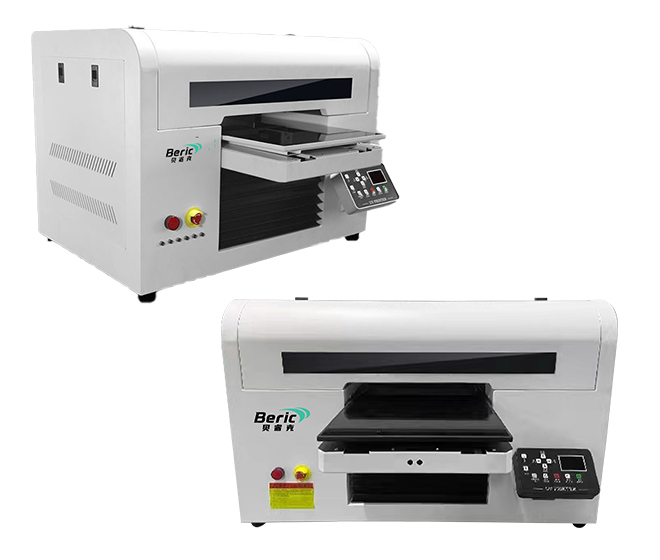
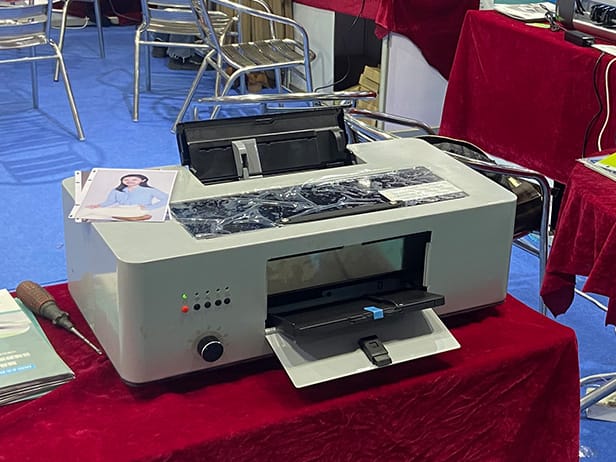
For applications such as phone cases, acrylic signs, promotional products, plastic items, and customized products, a UV printer with CMYK, white ink, and varnish can provide greater flexibility for different printing effects.
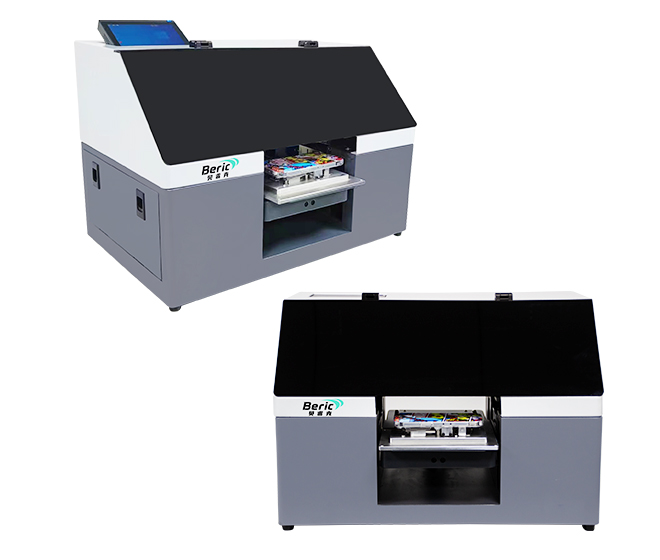
Beric UV printers are designed for direct printing on a range of rigid and customized products, with different models available for A4, A5, and larger-format applications. Before purchasing a machine, it is recommended to confirm the actual printing material, product size, required print effect, and production volume.
If you are experiencing UV ink adhesion problems on a specific material, send us the material type and product details. A sample printing test can help determine the appropriate printing configuration.