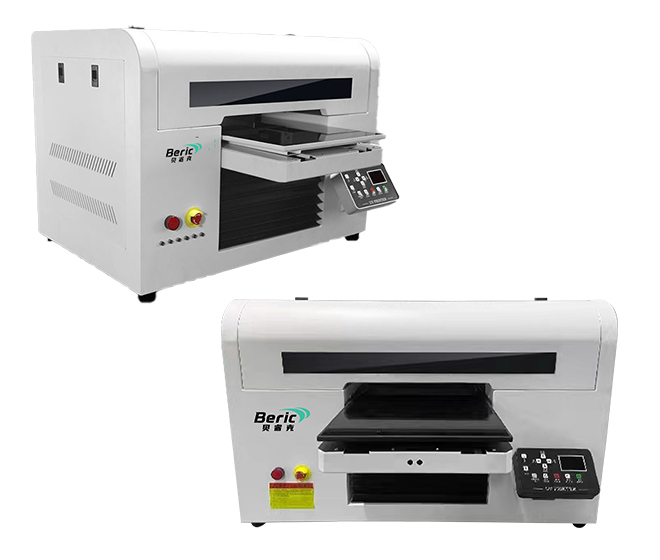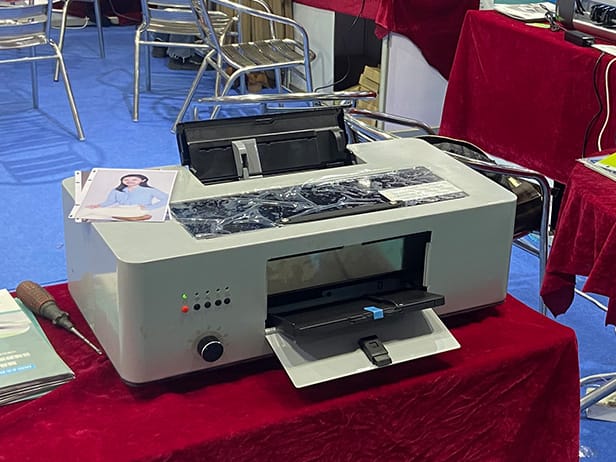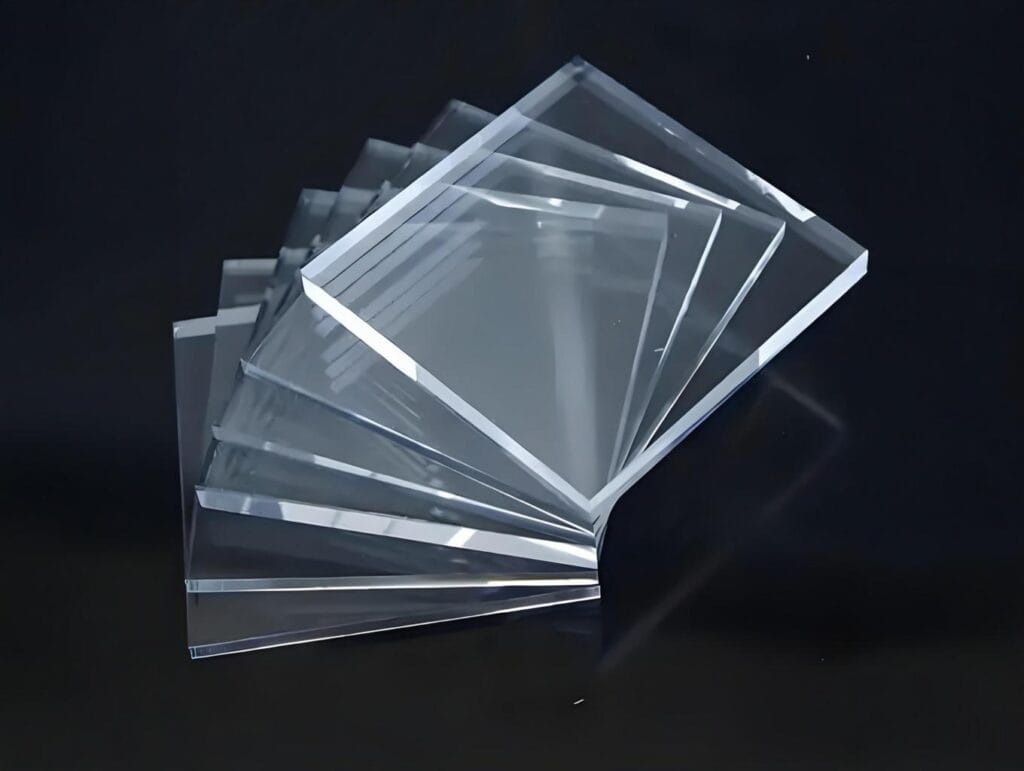
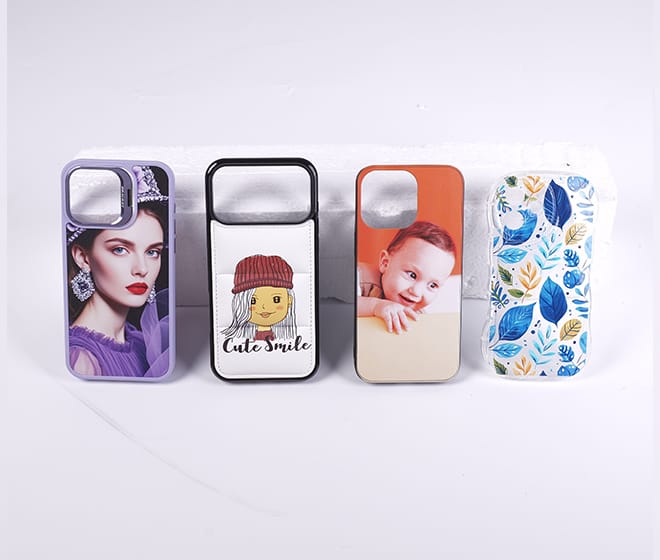
UV printing allows images and text to be printed directly onto many different materials, including acrylic, glass, metal, wood, plastic, and phone cases. However, good image quality is not enough if the ink does not adhere properly to the surface.
Poor ink adhesion can cause scratching, peeling, cracking, or fading after printing. Understanding the factors that affect adhesion can help improve the durability and reliability of UV printed products.
Common Signs of Poor UV Ink Adhesion
Poor adhesion is usually easy to identify after printing. The printed layer may be scratched away easily, peel from the surface, crack during handling, or separate from the substrate after cleaning.
In some cases, the print looks good immediately after curing but begins to peel or lose adhesion after several hours or days. This can indicate an incompatibility between the ink and the material or insufficient surface preparation.
Surface Preparation
The condition of the printing surface has a major influence on ink adhesion.
Dust, oil, fingerprints, moisture, and other contaminants can prevent UV ink from making proper contact with the substrate. Before printing, the surface should be clean, dry, and free from contaminants.
For materials such as glass, acrylic, metal, and some plastics, suitable cleaning procedures may significantly improve adhesion.
Different Materials Require Different Approaches
UV ink does not behave the same way on every substrate.
Smooth and non-porous materials such as glass and certain plastics can be more challenging because the ink has fewer opportunities to mechanically bond with the surface. Metal surfaces may also require additional treatment depending on their coating and surface condition.
For some applications, a primer or other surface treatment can improve the bonding between the UV ink and the substrate.
Check UV Curing Conditions
UV curing is another important factor.
The UV light needs to provide sufficient energy to cure the ink properly. If the ink is not fully cured, the printed layer may have poor resistance to scratching and handling.
However, curing should also be matched to the ink and printer configuration. The appropriate curing conditions depend on the ink formulation, print speed, ink volume, and substrate.
Use Compatible UV Ink
Ink compatibility should be considered when troubleshooting adhesion problems.
Different UV inks are formulated for different printing applications and materials. Using ink that is not suitable for the printer or substrate can result in poor adhesion, inconsistent curing, or other print-quality problems.
Using compatible ink and following the manufacturer’s recommended operating conditions can help achieve more stable results.
Printing Parameters Matter
Ink adhesion can also be affected by printing parameters such as ink density, printing speed, resolution, and the number of passes.
Applying too much ink to a particular surface may make proper curing more difficult. Adjusting the ink volume and print mode according to the substrate can help create a more stable printed layer.
For new materials, testing different printing parameters before mass production is recommended.
Surface Coatings and Primers
For difficult substrates, a suitable primer can improve UV ink adhesion.
Primers are designed to create a more suitable bonding layer between the substrate and the ink. They can be particularly useful when printing on certain plastics, glass, coated metals, and other low-surface-energy materials.
The primer should be compatible with both the substrate and UV ink, and the recommended application method should be followed carefully.
Perform an Adhesion Test
Before starting large-volume production, an adhesion test is a practical way to verify the printing process.
A simple scratch or tape test can provide an initial indication of whether the printed layer is firmly bonded to the substrate. For industrial applications, more standardized adhesion and durability tests may be required.
Testing is especially important when introducing a new material, ink, primer, or printing configuration.
Stable Printing Starts with the Right Combination
UV ink adhesion is influenced by several factors rather than a single printer setting. The substrate, surface preparation, ink, primer, curing conditions, and printing parameters all work together to determine the final result.
When printing on a new material, it is better to test the complete combination of substrate + ink + primer + printing parameters + UV curing rather than changing only one setting.
With proper surface preparation, compatible UV ink, suitable curing conditions, and optimized printer settings, UV printing can achieve strong adhesion and durable results across a wide range of applications.