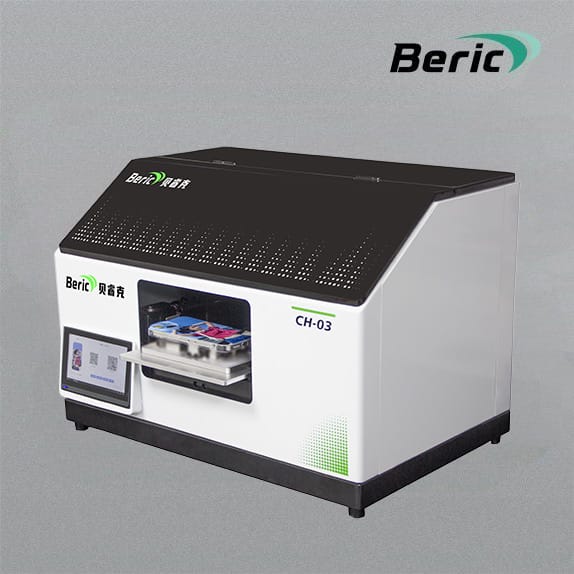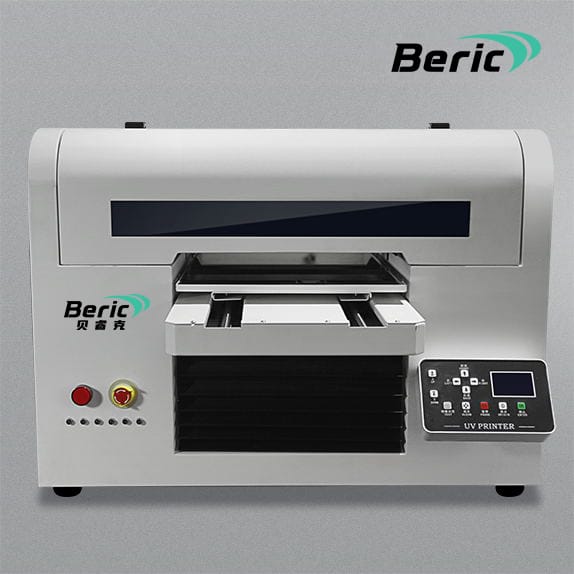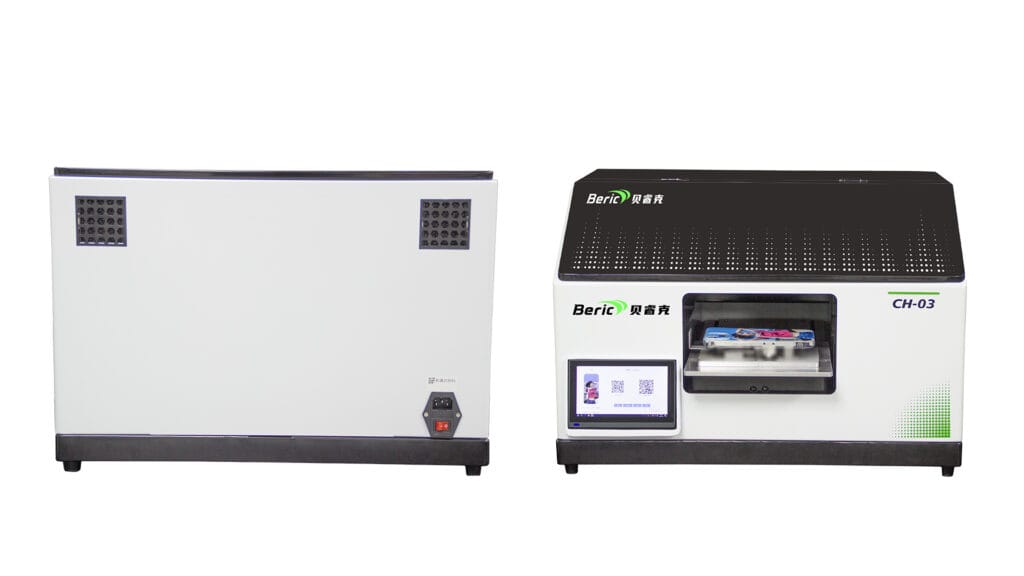
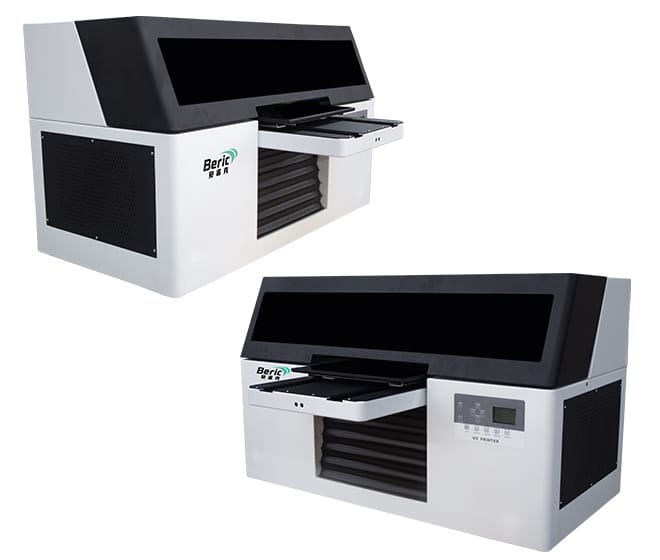
In today’s competitive market, having the right equipment can make a big difference. A multi-functional impresora UV allows businesses to print on a variety of materials such as plastic cards, power banks, glass, and promotional items. But with so many options available, choosing the right printer can be overwhelming. Here’s a guide to help you make an informed decision.
1. Understand Your Printing Needs
Before buying a UV printer, analyze your business requirements:
Product Types: Are you printing on plastic cards, power banks, glass items, or a mix of materials?
Print Volume: Determine if you need a high-volume production printer or one suitable for small batch customization.
Print Quality: For detailed designs and vibrant colors, choose a printer with high resolution.
2. Consider Printer Compatibility
A good multi-functional UV printer should support different surfaces and sizes:
Plastic: Ideal for cards, keychains, and small gadgets.
Glass: Perfect for mugs, awards, and decorative items.
Metal & Wood: Useful for promotional items and corporate gifts.
Power Banks & Electronics: Ensure the printer can handle delicate surfaces without damage.
3. Check the Printer Features
Modern UV printers come with features that enhance efficiency:
Automatic Calibration: Ensures consistent printing on uneven surfaces.
Multi-Layer Printing: Allows special effects like textures or 3D printing.
Software Compatibility: Check if it supports your design software.
Fast Curing LED UV Lamp: Reduces drying time and increases productivity.
4. Evaluate Cost and Maintenance
Investing in a UV printer is a business decision, so consider:
Initial Cost vs. Long-Term ROI: A slightly higher investment may bring better durability and print quality.
Consumables: Ink cost, replacement parts, and warranty coverage.
Maintenance Requirements: Some printers require regular cleaning, while others are low-maintenance.
5. Read Reviews and Test Before Buying
Check reviews from businesses using the same printer and ask for sample prints. Testing before purchasing ensures the printer meets your quality and material requirements.
6. Consider Future Expansion
Choose a printer that grows with your business:
Can it handle larger print sizes in the future?
Does it support new materials or advanced printing techniques?
Conclusion
Selecting the right multi-functional UV printer can boost your business by allowing customization on a variety of surfaces—from plastic cards and power banks to glass items and promotional gifts. Take the time to evaluate your needs, features, and long-term benefits to make an informed choice.