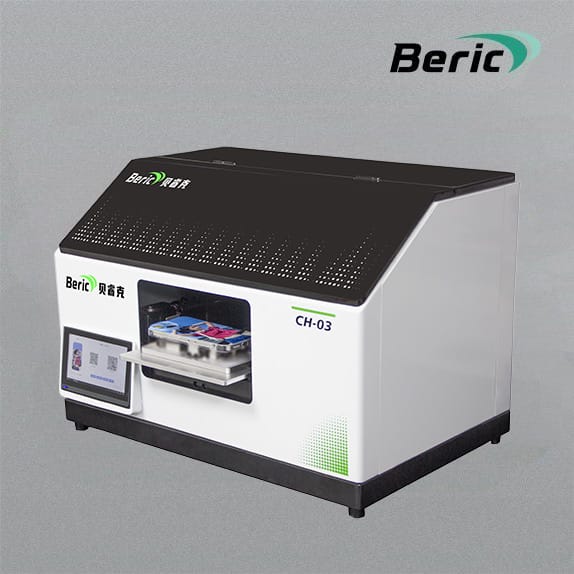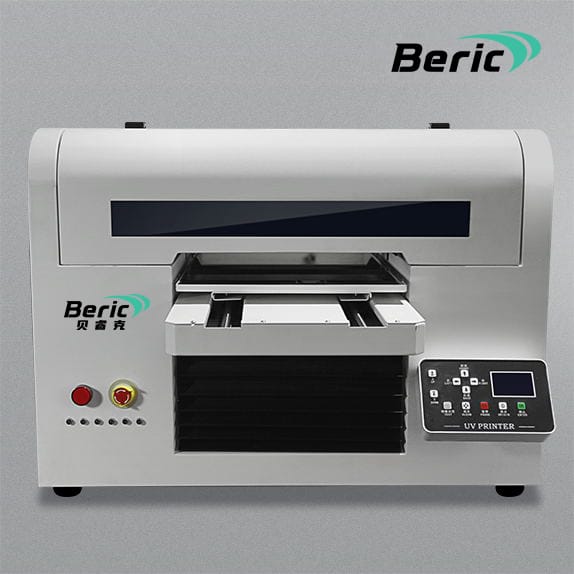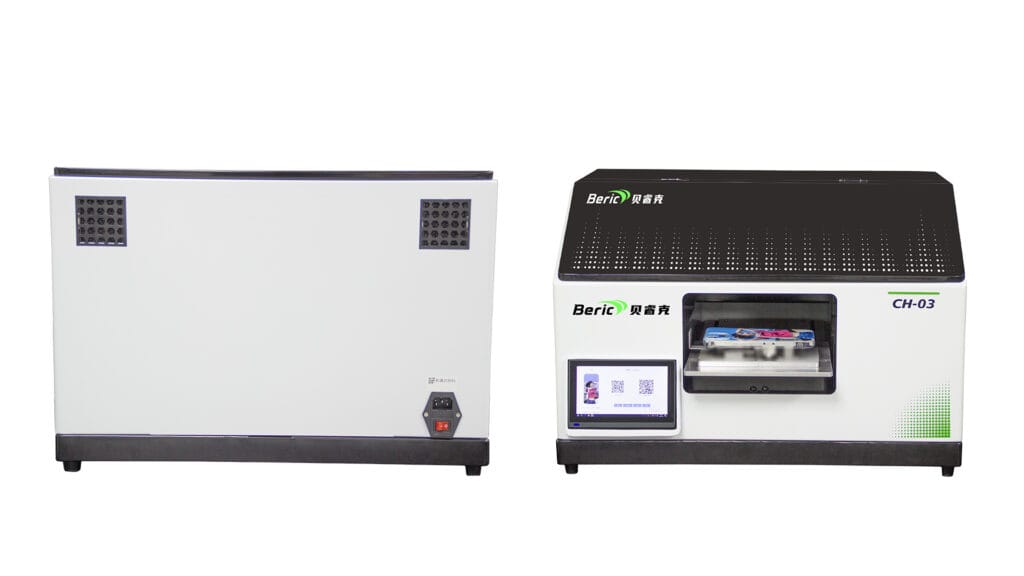
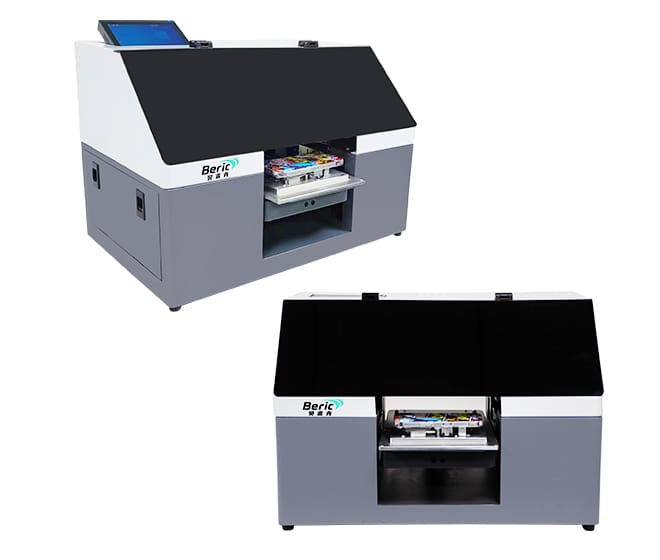
A Professional Guide by Beric
Introduction
UV printers are now widely used in signage, packaging, customization, and industrial production. However, stable performance depends heavily on correct maintenance. Proper care extends printhead lifespan, improves printing quality, and prevents costly downtime.
This guide provides a complete and practical UV printer maintenance system suitable for beginners and professionals.
1. Daily Maintenance – Essential Routine
Daily maintenance prevents most printing issues. These tasks should be done before and after every work session.
1.1 Clean the Printhead Surface
Use lint-free cloth and approved cleaning solution to gently remove ink residue. Avoid strong pressure to protect the delicate nozzles.
1.2 Clean the Capping Station
A dirty or dry capping station can cause dried ink, nozzle clogging, and unstable printing. Keep the cap moist and clean.
1.3 Check Ink Levels
Ensure CMYK, white ink, and varnish (if applicable) are at safe levels and not expired.
1.4 Stir or Circulate White Ink
White ink settles easily. Shake it manually or rely on the automatic circulation system available in Beric printers.
2. Weekly Maintenance – Keep Performance Stable
2.1 Clean the Linear Rails
Dust and ink mist accumulate on rails, causing carriage vibration and image misalignment. Wipe them clean with alcohol but do not apply oil unless recommended.
2.2 Clean the Encoder Strip
If the encoder strip is dirty, you may see ghosting, double printing, or misalignment. Clean gently with a soft tissue.
2.3 Check UV Lamps
Inspect lamp intensity and overall condition. Weak lamps reduce curing ability and affect ink adhesion.
3. Monthly Maintenance – Deep Care
3.1 Replace Dampers
Dampers filter impurities and prevent them from entering the printhead. Replace every one to three months depending on workload.
3.2 Inspect Ink Tubes
Check for bubbles, cracks, or ink flow issues. Air inside the ink system can cause dropped nozzles and color problems.
3.3 Lubricate Mechanical Parts
Lubricate bearings, lead screws, and belt pulleys with manufacturer-approved lubricant.
3.4 Conduct Full Nozzle Test and Alignment
Check pattern quality, color uniformity, and straightness to ensure optimal performance.
4. Printhead Care – The Most Important Part
Printheads are the core and the most expensive part of a UV printer. Proper care is essential.
Do
- Use original, high-quality UV ink
- Keep capping station moist
- Perform regular cleaning and flushing
- Maintain proper environment temperature and humidity
Avoid
- Letting ink dry inside the head
- Using sub-standard ink
- Excessive manual wiping
- Improper shutdown procedures
Industrial printheads used by Beric such as Ricoh or Kyocera models offer long lifespan when maintained correctly.
5. Environmental Requirements – Protect the Printer
Recommended conditions for stable performance
- Temperature 20–28°C
- Humidity 40–70%
- Dust-free environment
- Avoid direct sunlight
- Ensure good ventilation
Poor environments can lead to nozzle clogging, curing issues, and print distortion.
6. Common UV Printer Issues and Solutions
Banding
Possible causes include dirty rails, dirty encoder strip, dropped nozzles, or incorrect height. Clean, test, and adjust alignment.
Color Inconsistency
Check ink levels, shake white ink, clean printhead, and verify color profiles.
Ink Not Curing
Increase UV lamp intensity, check ink type compatibility, or reduce printing speed.
7. Why Maintenance Matters for Your Business
Proper maintenance brings major benefits
- Longer printhead lifespan
- Less downtime
- Better print quality
- More stable production
- Lower overall running cost
Good maintenance directly improves profitability.
8. How Beric Supports You
Beric provides
- Industrial-grade printheads
- Automatic white ink circulation
- Stable steel-frame construction
- Intelligent ink negative pressure system
- Global after-sales support
- Maintenance training and technical guidance
These features make Beric UV printers reliable for long-term production.
Conclusion
UV printer maintenance is not complicated when you follow a structured routine. With daily, weekly, and monthly tasks performed consistently, your UV printer will operate smoothly and efficiently for years.
If you need a printable maintenance checklist, a PDF version, or customized guidance for your model, feel free to let me know—I can prepare it for you.