UV printing is widely used for phone cases, acrylic sheets, glass, metal, wood, leather, and other rigid or flexible materials. However, achieving strong ink adhesion can be a challenge, especially when printing on smooth, non-porous, or low-surface-energy substrates.
Poor adhesion can lead to peeling, scratching, cracking, or fading after printing. Understanding the factors that affect UV ink adhesion is important for achieving consistent print quality and improving the durability of finished products.
Common Signs of Poor UV Ink Adhesion
Ink adhesion problems can appear in several ways during or after printing:
- UV ink peels from the substrate
- Printed graphics can be scratched off easily
- Ink cracks when the material is bent
- Colors separate from the surface
- Printed areas become damaged during handling
- The coating does not bond evenly to the substrate
These problems may occur immediately after printing or become visible after several hours or days.
Substrate Surface and Ink Adhesion
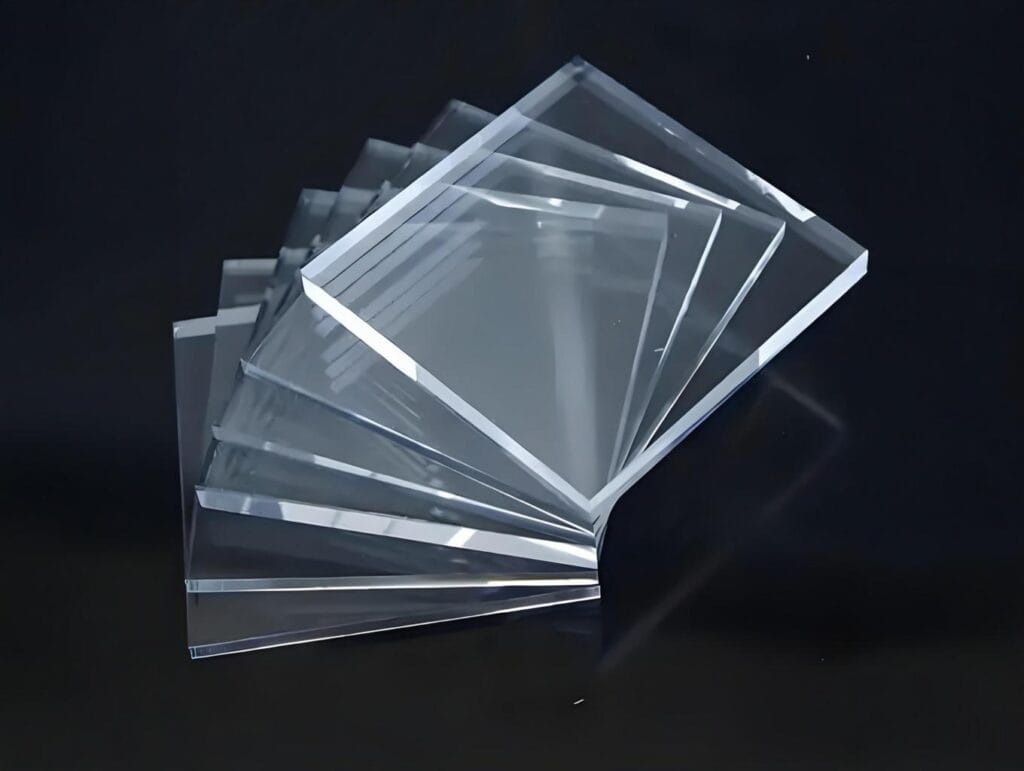
The printing surface has a major influence on adhesion. Smooth materials such as glass, acrylic, metal, and some plastics may have low surface energy, making it difficult for UV ink to bond properly.
Dust, oil, fingerprints, release agents, and other contaminants can also reduce adhesion. Before printing, the substrate should be clean, dry, and free from surface contamination.
Different materials may therefore require different printing conditions and pretreatment methods.
UV Ink Curing and Adhesion
UV ink is cured by ultraviolet light during the printing process. Proper curing helps the ink form a durable printed layer on the substrate.
If the UV curing system is not properly matched to the ink and printing speed, the ink may not cure sufficiently. Excessive printing speed, unsuitable UV intensity, or incorrect curing settings can affect the final adhesion and surface hardness.
A UV printer should therefore maintain stable UV curing performance throughout the printing process.
Ink Compatibility with Different Materials
Not all UV inks perform equally on every substrate. An ink formulation that works well on acrylic may not provide the same adhesion on glass, metal, or certain plastics.
For applications involving difficult-to-print materials, ink compatibility should be evaluated before full production. Test printing can help determine whether the selected UV ink provides sufficient adhesion and durability.
The Role of Surface Treatment
Surface treatment can improve ink adhesion on certain substrates. Depending on the material, methods may include cleaning, coating, priming, flame treatment, corona treatment, or plasma treatment.
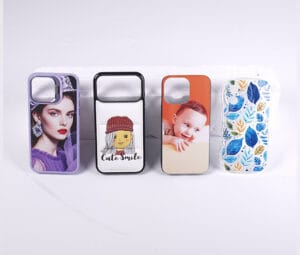
For example, some phone cases and plastic products may require a suitable primer before UV printing. The correct treatment depends on the substrate and the ink system being used.
Printing Parameters That Affect Adhesion
Printer settings can also influence the final result. Important parameters include:
- Printing speed
- UV curing intensity
- Ink volume
- Printing resolution
- Number of printing passes
- White ink settings
- Material surface condition
These parameters should be adjusted according to the substrate and production requirements rather than using identical settings for every material.
Improving UV Printing Adhesion
A practical approach to improving ink adhesion is to control the complete printing process:
- Clean the substrate before printing.
- Select UV ink suitable for the target material.
- Check whether primer or surface treatment is required.
- Use appropriate UV curing settings.
- Test different ink volume and printing parameters.
- Perform adhesion and scratch tests before mass production.
For commercial UV printing, maintaining consistent substrate preparation and printer settings is especially important when producing large batches.
UV Printers for Different Printing Applications
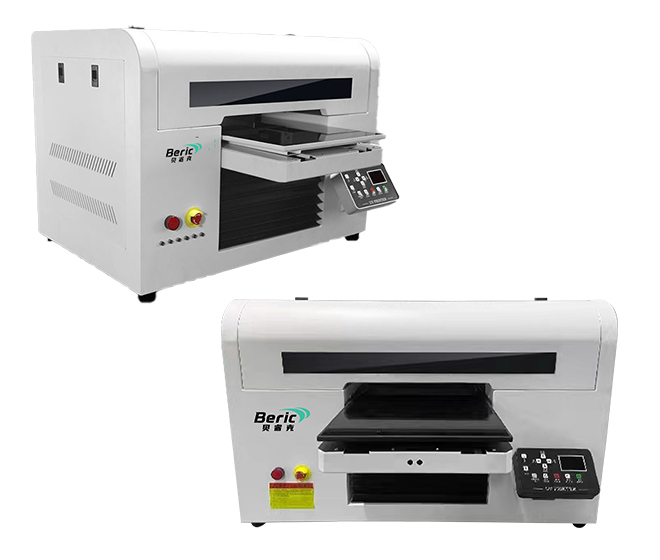
A suitable UV printer should provide stable ink delivery, accurate positioning, and reliable UV curing. Different applications may also require different print sizes, substrate thicknesses, and ink configurations.
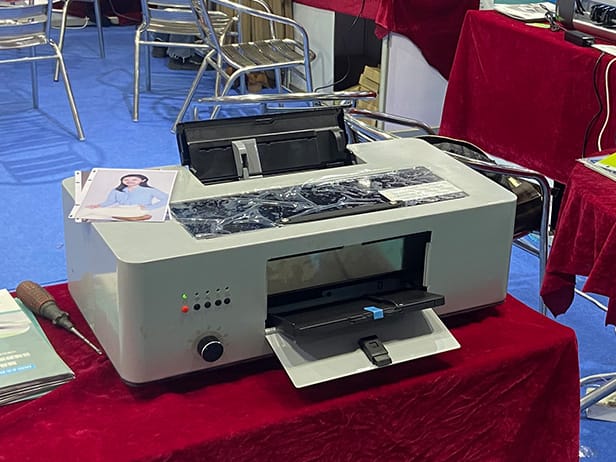
For phone case printing, for example, a compact UV printer can be used for customized products and small-batch production. Larger flatbed UV printers can accommodate larger rigid materials and wider printing applications.
Choosing the right printer, ink, and substrate combination can help reduce adhesion problems and improve overall printing consistency.
Reliable UV Printing Starts with the Complete Process
UV ink adhesion is influenced by more than the printer itself. Substrate characteristics, surface preparation, ink compatibility, curing performance, and printing parameters all contribute to the final result.
By testing the complete combination of UV printer, UV ink, and printing material, manufacturers and printing businesses can identify suitable production parameters and achieve more reliable adhesion and finished-product quality.