UV inkjet printers have rapidly become a preferred choice for businesses looking to print high-quality graphics on a wide range of materials. From promotional products and custom signage to industrial applications, UV printers provide vibrant, durable prints with minimal setup. However, choosing the right UV inkjet printer requires careful consideration. Here are the key factors you should know before making your decision.
1. Understand the Types of UV Inkjet Printers
Not all UV printers are the same. Depending on your business needs, you may choose between:
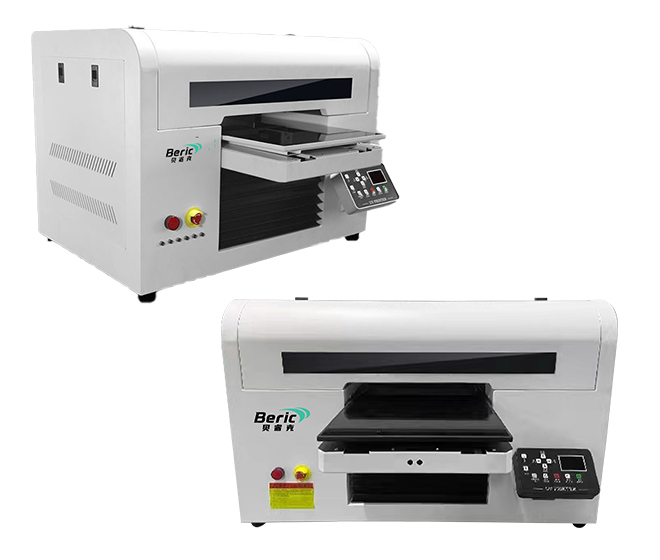
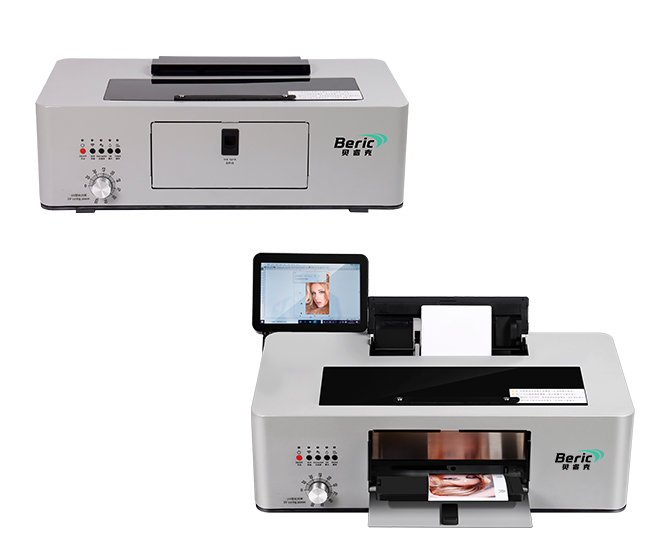
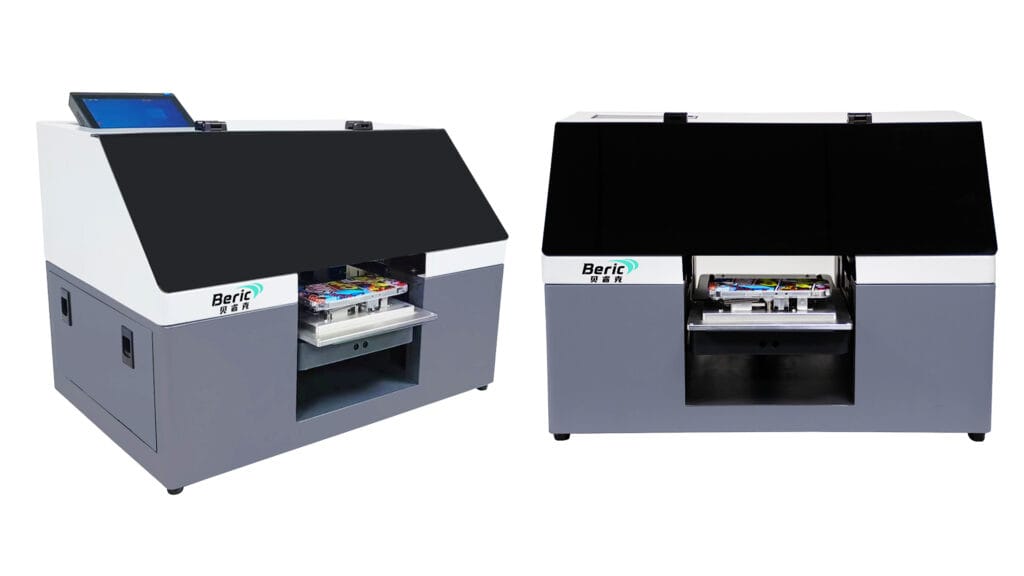
Flatbed UV Printers
Ideal for rigid materials like wood, acrylic, metal, and glass. They allow printing directly on objects of varying thickness.Roll-to-Roll UV Printers
Designed for flexible materials like vinyl, banners, and fabric. Suitable for signage and label printing.Hybrid UV Printers
Combine both flatbed and roll-to-roll capabilities, offering versatility for businesses handling different substrates.
Tip: Consider the maximum material size and thickness your applications require before selecting a printer type.
2. Evaluate Print Quality and Resolution
UV inkjet printers vary in resolution and precision:
Standard resolutions range from 360 dpi to 1440 dpi.
Higher dpi produces sharper images and fine details, especially important for text, logos, and photography.
Consider the type of ink and drop size, as they affect color vibrancy and durability.
Recommendation: For marketing products and custom printing, choose a printer with high resolution (≥720 dpi) and consistent color reproduction.
3. Assess the Printer’s Ink and Material Compatibility
UV printers use inks that cure under ultraviolet light. Key considerations:
Ink Type: Rigid vs flexible inks; some are suitable for soft materials, others for hard surfaces.
Substrate Compatibility: Check if the printer supports your preferred materials, e.g., wood, metal, glass, acrylic, PVC, or plastics.
Special Inks: White ink, clear varnish, and specialty colors allow creative effects like embossing, gloss, or spot finishes.
Tip: If your business needs multi-layer or embossed effects, verify that the printer supports these specialty inks.
4. Consider Speed and Productivity
Throughput is critical for business operations:
Print Speed: Measured in square meters per hour (m²/h). Faster printers are ideal for high-volume production.
Curing Time: UV curing is instantaneous, but printer mechanics affect overall throughput.
Automation Options: Some models offer multi-layer printing, automated feeding, or indexing for higher productivity.
Advice: Balance speed with print quality; faster is not always better if quality suffers.
5. Check Maintenance Requirements and Cost of Ownership
UV printers require routine maintenance to maintain performance:
Head Cleaning: Prevent clogging of print heads, especially for printers that use white or specialty inks.
Ink Cost: UV inks are more expensive than conventional inks, so consider ink usage efficiency.
Spare Parts & Support: Availability of replacement parts, local service, and technical support is crucial.
Recommendation: Evaluate total cost of ownership, not just the initial purchase price.
6. Factor in Software and Workflow Compatibility
The printer should integrate smoothly with your existing workflow:
RIP Software: Converts your digital files into printable instructions; check compatibility with your printer.
Color Management: Ensure consistent output across different media.
Ease of Use: Touchscreen controls, pre-set profiles, and automation simplify operation, especially for small teams.
7. Understand Your Business Needs
Before buying, ask yourself:
What materials will I print on?
What volume of prints do I need per day or week?
Do I require specialty inks like white or clear?
Do I want automation features or manual operation?
Answering these questions helps narrow down the right printer and avoid overspending on unnecessary features.
Conclusion
Choosing a UV inkjet printer is a balance of quality, speed, material compatibility, and cost efficiency. Understanding your business requirements, the types of printers available, and the features that affect productivity and print quality will help you make a smart investment.
With the right UV printer, you can expand your product offerings, create high-quality customized items, and grow your business efficiently.