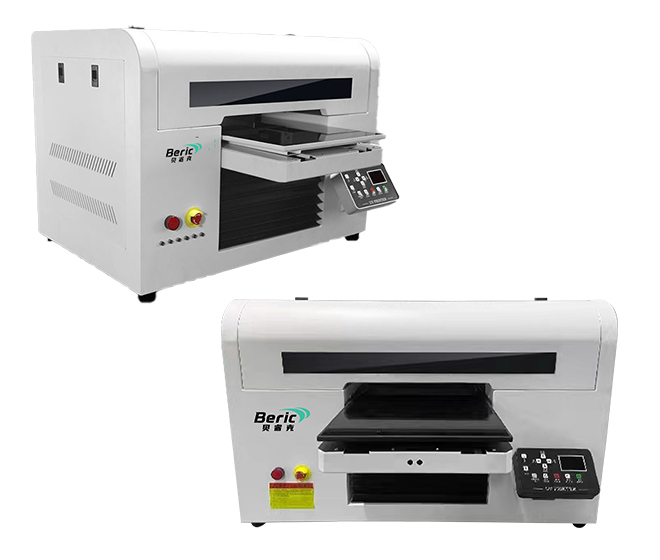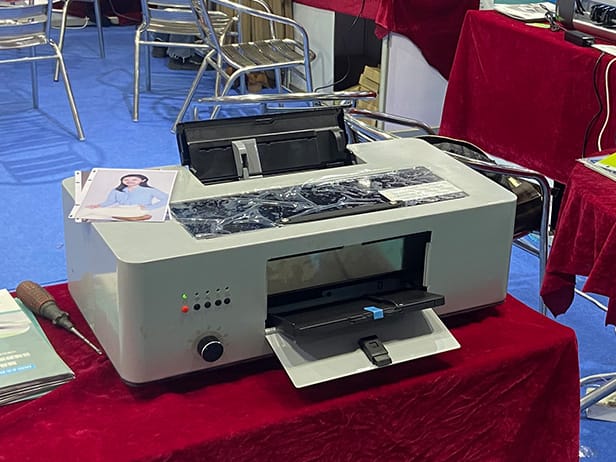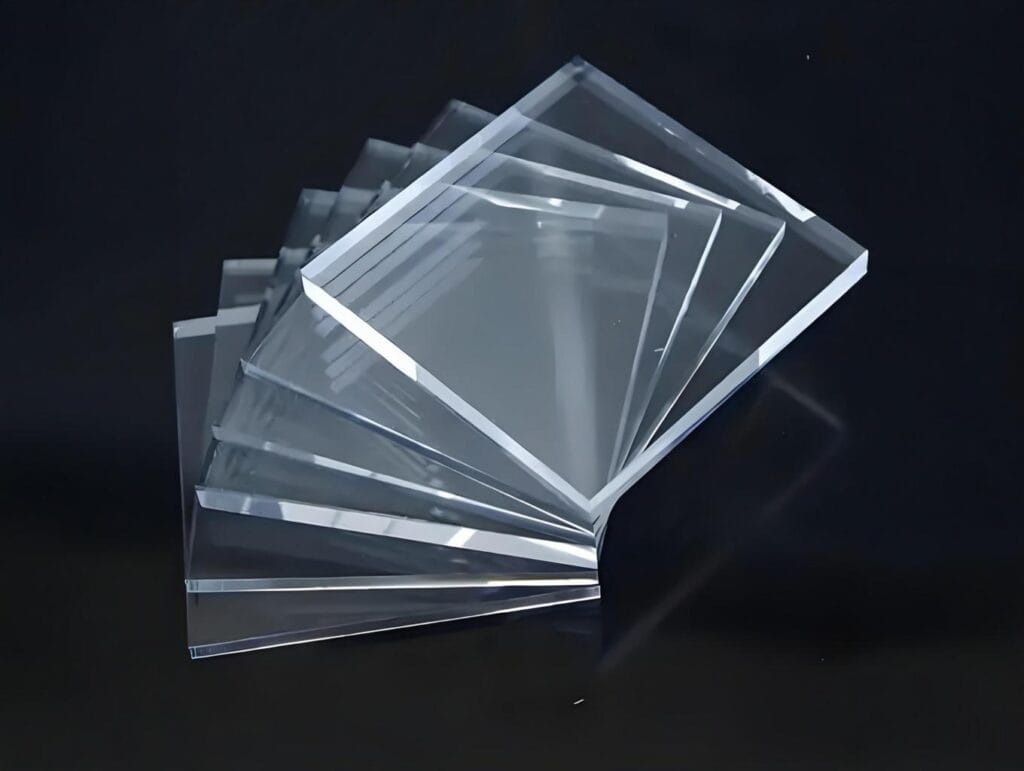
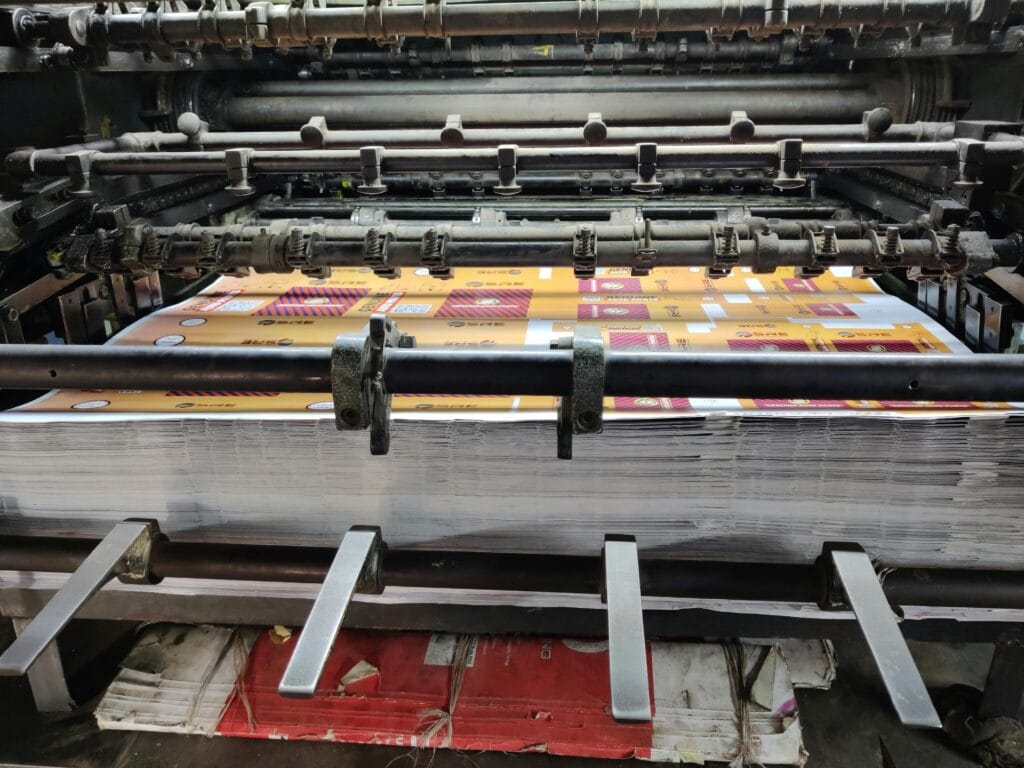
UV printing technology has become widely used in industries such as advertising, packaging, promotional products, signage, personalized gifts, and industrial manufacturing. Compared with traditional printing methods, UV printing offers fast curing, vibrant colors, and the ability to print directly on multiple materials.
However, like any digital printing process, UV printing can still encounter technical issues during production. Poor ink adhesion, blurry images, banding, and nozzle clogging are some of the most common challenges faced by UV printer operators.
Understanding these problems and knowing how to solve them can help improve print quality, reduce downtime, and extend the lifespan of your UV printing machine.
In this guide, we explain the most common UV printing problems, their possible causes, and practical solutions.
What Causes UV Printing Problems?
UV printing issues are usually related to one or more of the following factors:
- Incorrect printer settings
- Poor material preparation
- Low-quality UV ink
- Printhead maintenance issues
- Environmental conditions
- Improper curing
- Mechanical calibration problems
Regular maintenance and proper workflow management are essential for stable UV printing performance.
1. Poor Ink Adhesion
Poor adhesion is one of the most common UV printing problems, especially when printing on difficult materials such as glass, metal, acrylic, or leather.
Symptoms
- Ink peels off easily
- Printed surface scratches easily
- Ink flakes after curing
Possible Causes
- Surface contamination
- Incorrect UV ink for the material
- Insufficient UV curing
- Lack of primer coating
- Material surface too smooth
Solutions
- Clean the material before printing
- Use compatible UV inks
- Apply primer if necessary
- Increase UV lamp curing intensity
- Test different print settings
Many industrial UV printers allow curing adjustments to improve adhesion on different substrates.
2. Nozzle Clogging
UV printer printheads are sensitive components. Dried ink or dust particles can block nozzles and affect print quality.
Symptoms
- Missing lines
- Incomplete colors
- Uneven printing
- Banding issues
Possible Causes
- Infrequent printer use
- Poor maintenance
- Dry environment
- Expired UV ink
- Improper shutdown procedure
Solutions
- Perform regular nozzle cleaning
- Print test patterns daily
- Maintain humidity levels
- Use high-quality UV inks
- Follow proper machine shutdown procedures
Routine maintenance is critical for extending UV printer printhead life.
3. Banding in UV Prints
Banding appears as visible horizontal or vertical lines across printed images.
Symptoms
- Uneven color strips
- Lines across graphics
- Reduced image smoothness
Possible Causes
- Clogged nozzles
- Incorrect carriage speed
- Low print resolution
- Improper media feeding
- Mechanical instability
Solutions
- Perform nozzle checks
- Reduce print speed
- Increase print resolution
- Recalibrate printer alignment
- Check material flatness
High-quality UV flatbed printers typically offer automatic calibration features to reduce banding.
4. Blurry or Ghosting Images
Blurred prints can reduce product quality and affect customer satisfaction.
Symptoms
- Double images
- Smudged graphics
- Unclear text edges
Possible Causes
- Incorrect print height
- Material movement
- Carriage vibration
- Improper curing timing
- Excessive ink volume
Solutions
- Adjust printhead height correctly
- Secure the material firmly
- Reduce carriage speed
- Optimize ink settings
- Recalibrate the printer
Stable printing platforms are especially important for UV printing on uneven materials.
5. UV Ink Not Curing Properly
Proper UV curing is essential for print durability and surface quality.
Symptoms
- Sticky print surface
- Ink smearing
- Poor scratch resistance
- Strong ink odor after printing
Possible Causes
- Weak UV lamp output
- Incorrect curing settings
- Low-quality UV ink
- Excessive ink thickness
Solutions
- Replace aging UV lamps
- Increase curing intensity
- Use compatible UV inks
- Optimize ink density settings
Industrial UV printing machines often include adjustable curing controls for different materials.
6. Material Warping
Some materials may deform during UV printing due to heat exposure or ink curing stress.
Common Materials Affected
- Thin plastic sheets
- PVC
- PET film
- Acrylic sheets
Solutions
- Reduce UV lamp power
- Use vacuum platforms
- Print in multiple light passes
- Select heat-resistant materials
Proper material selection plays an important role in UV printing quality.
7. White Ink Problems
White ink is commonly used in UV printing for dark or transparent materials. However, white ink requires more maintenance than standard CMYK inks.
Symptoms
- White ink sedimentation
- Uneven white layers
- Weak opacity
Possible Causes
- Ink circulation problems
- Insufficient agitation
- Long idle periods
Solutions
- Stir white ink regularly
- Use automatic circulation systems
- Perform frequent white ink cleaning
- Avoid long machine downtime
Many modern UV printers now include automatic white ink circulation systems.
8. Cracking Ink on Flexible Materials
Some flexible materials bend after printing, causing the cured UV ink layer to crack.
Common Materials
- Leather
- Flexible plastic
- Soft PVC
- TPU materials
Solutions
- Use flexible UV inks
- Reduce ink thickness
- Test bending resistance
- Select proper curing settings
Flexible UV inks are increasingly popular for customized products and promotional items.
9. Color Inconsistency
Color variation can occur between production batches.
Symptoms
- Different shades between prints
- Inaccurate brand colors
- Unstable image appearance
Possible Causes
- Incorrect ICC profiles
- Ink batch differences
- Environmental temperature changes
- Printer calibration issues
Solutions
- Use proper color profiles
- Calibrate regularly
- Maintain stable room temperature
- Use consistent media and ink
Professional UV printing businesses often use RIP software for better color management.
10. Material Height Detection Errors
UV flatbed printers require accurate height measurement to avoid printhead collisions.
Symptoms
- Printhead strikes material
- Printing interruption
- Surface scratches
Possible Causes
- Uneven materials
- Incorrect height settings
- Sensor malfunction
Solutions
- Measure material thickness carefully
- Use automatic height detection systems
- Ensure flat material placement
Incorrect height settings can cause serious printhead damage.
How to Reduce UV Printing Problems
Preventive maintenance is the best way to improve UV printing reliability.
Recommended Practices
- Clean the printer regularly
- Maintain proper humidity
- Use high-quality UV inks
- Perform daily nozzle tests
- Store inks correctly
- Train operators properly
- Update RIP software settings
Consistent maintenance helps reduce repair costs and improve production efficiency.
Choosing a Reliable UV Printer
A high-quality UV printing machine can significantly reduce operational problems.
When choosing a UV printer, consider:
- Printhead quality
- Ink compatibility
- White ink circulation system
- Automatic cleaning functions
- Technical support availability
- RIP software compatibility
Reliable UV printer manufacturers usually provide maintenance training and after-sales support to help reduce downtime.
Final Thoughts
Although UV printing technology offers excellent flexibility and production efficiency, common problems can still occur during daily operation.
Understanding the causes of issues such as poor ink adhesion, nozzle clogging, banding, and curing problems can help businesses maintain stable print quality and reduce production interruptions.
With proper maintenance, suitable UV inks, and a reliable UV printing machine, most UV printing problems can be minimized effectively.
As UV printing applications continue to expand across industries, investing time in printer maintenance and process optimization becomes increasingly important for long-term production success.