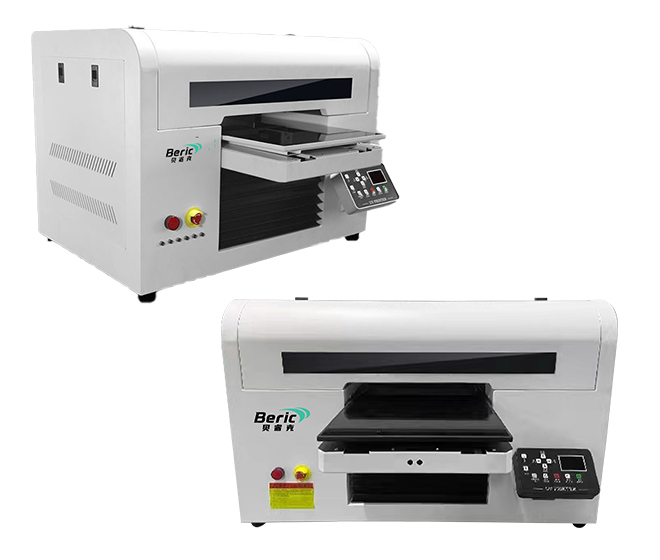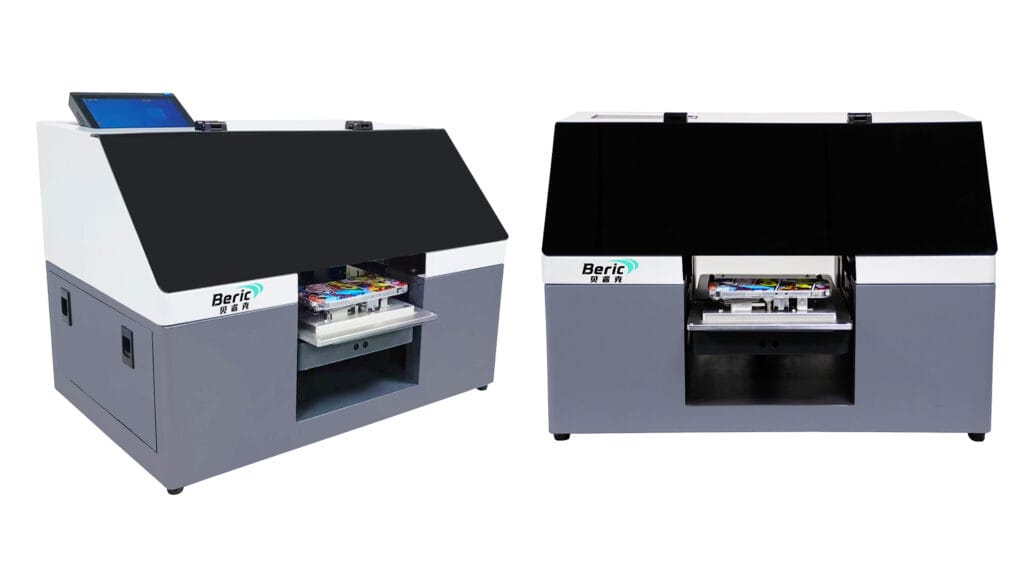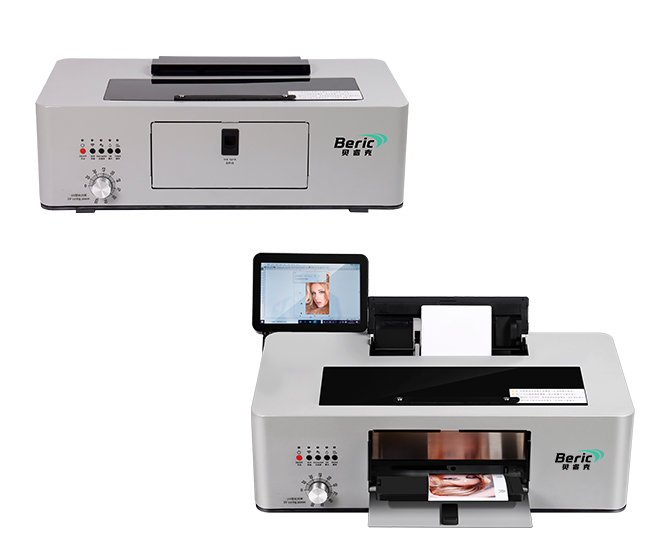
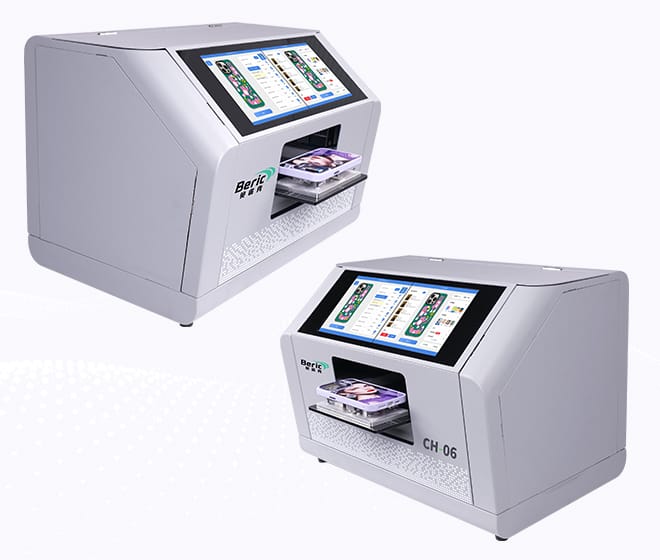
UV flatbed printers are widely used in signage, packaging, promotional products, and custom manufacturing because they can print on almost any material with high precision and durability. However, like any industrial equipment, they can sometimes run into issues that affect print quality or productivity.
In this article, we’ll go through the 5 most common problems with UV flatbed printers and explain practical ways to fix them. This is especially useful for operators, print shop owners, and technicians who want to keep production running smoothly.
1. Poor Print Quality (Blurry or Faded Images)
One of the most common issues is when prints come out blurry, faded, or not as sharp as expected.
Possible causes:
- Clogged printhead nozzles
- Incorrect print resolution settings
- Improper distance between printhead and material
- Low-quality or incompatible ink
How to fix it:
- Perform regular nozzle cleaning and maintenance
- Run a nozzle check before production
- Adjust printhead height properly
- Use high-quality UV ink recommended by the machine supplier
Keeping the printhead in good condition is key to stable output quality.
2. Ink Not Curing Properly
UV printers rely on UV light to instantly cure the ink. If curing is weak, prints may remain sticky or smudge easily.
Possible causes:
- UV lamp aging or weak output
- Incorrect curing settings
- Printing too fast for curing time
- Ink layer too thick
How to fix it:
- Replace UV lamps if they are old or weak
- Adjust curing power and speed settings
- Reduce ink volume if necessary
- Ensure proper ventilation and environmental conditions
Proper curing ensures durability and scratch resistance of the final product.
3. Color Inconsistency
Sometimes printed colors do not match the design file or vary between batches.
Possible causes:
- Incorrect ICC color profile
- Ink mixing issues
- Nozzle clogging affecting color channels
- Environmental temperature changes
How to fix it:
- Use calibrated ICC profiles for your printer
- Shake ink properly before use
- Clean printheads regularly
- Maintain stable room temperature and humidity
Color management is critical for professional printing results.
4. Printhead Clogging or Missing Nozzles
This is one of the most frequent maintenance problems in UV printing.
Possible causes:
- Ink drying inside nozzles
- Long idle time without printing
- Low-quality ink or contamination
- Lack of regular cleaning
How to fix it:
- Run daily nozzle checks
- Use automatic cleaning functions
- Do not leave the printer idle for long periods
- Replace or flush ink lines if necessary
Preventive maintenance is far more effective than repairing after failure.
5. Material Adhesion Problems
Sometimes ink does not stick well to the printing surface, especially on glass, metal, or plastic.
Possible causes:
- No surface pre-treatment
- Wrong ink type for material
- Dirty or oily surface
- Insufficient curing
How to fix it:
- Clean materials before printing
- Use primer or coating when required
- Choose compatible UV ink for specific substrates
- Ensure proper curing strength
Good adhesion ensures long-lasting and high-quality prints.
Final Thoughts
UV flatbed printers are powerful tools, but consistent performance depends on proper maintenance, correct settings, and good operating habits. Most common problems are not machine failures—they are usually related to maintenance or setup.
By understanding these issues and applying the right solutions, you can significantly improve printing efficiency, reduce downtime, and extend the lifespan of your equipment.
If you operate a UV printer, regular maintenance and proper training are the best investments you can make.