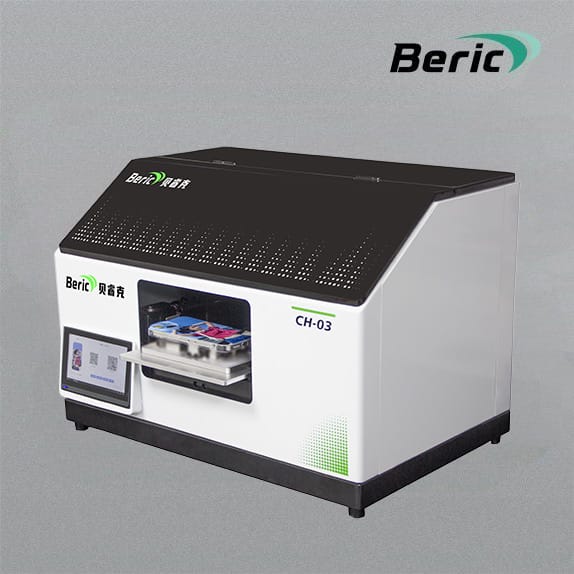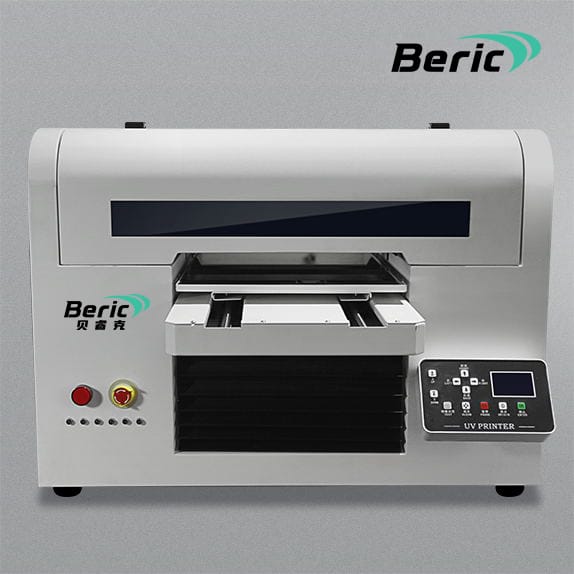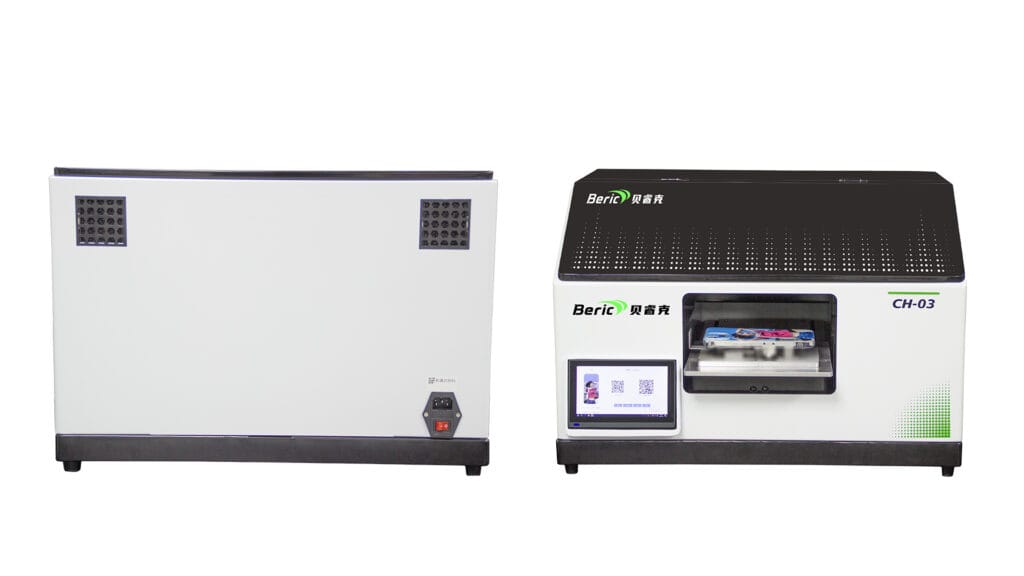
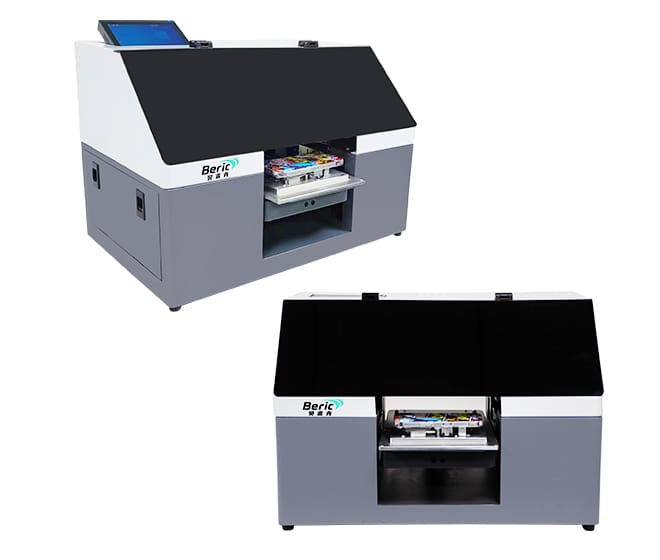
Proper maintenance is key to ensuring that your Beirc UV Printer delivers consistent, high-quality prints over time. Regular care not only improves print accuracy and color quality but also extends the machine’s lifespan, reducing downtime and repair costs.
1. Daily Maintenance
-
Clean the print heads: Use recommended cleaning solutions to remove ink residue and prevent clogging.
-
Check ink levels: Refill inks on time to avoid air bubbles and print interruptions.
-
Inspect the printer bed: Keep the printing surface free of dust and debris to ensure smooth printing.
2. Weekly Maintenance
-
Lubricate moving parts: Apply lubricant to rails and gears to maintain smooth operation.
-
Clean fans and ventilation: Remove dust and particles from cooling systems to prevent overheating.
-
Run test prints: Detect early signs of misalignment or nozzle issues.
3. Monthly Maintenance
-
Check UV lamps: Inspect and clean the lamps to maintain consistent curing.
-
Examine belts and rollers: Ensure there’s no wear that could affect print accuracy.
-
Software updates: Keep printer firmware and drivers updated for optimal performance.
4. Best Practices for Longevity
-
Avoid sudden power shutdowns; always follow proper start-up and shut-down procedures.
-
Use only manufacturer-recommended inks and cleaning solutions.
-
Maintain a stable, dust-free, and temperature-controlled environment.
5. Troubleshooting Common Issues
-
Clogged nozzles: Run cleaning cycles or manually clean as instructed.
-
Ink streaks or color fading: Check ink levels, print heads, and UV lamp condition.
-
Mechanical noise or irregular movements: Lubricate rails and check for loose parts.
Regular maintenance is essential for keeping Beirc UV Printers in peak condition. By following daily, weekly, and monthly care routines, businesses can enjoy higher productivity, consistent print quality, and a longer machine lifespan.